Connect Your First Host
Use Scan to Pair if you can open a terminal on the host. It is the shortest path and does not require entering SSH credentials in the app. If you already have working SSH details, you can add them manually instead.
Download Mightty from the App Store, then open the app.
Recommended: Scan to Pair
-
Choose Scan to Pair during setup or from the add-host menu.
-
On the Mac or Linux host, install the Mightty command-line tool and start pairing.
On macOS:
brew install mightty-app/tap/mightty
mightty pair
On Linux:
curl -fsSL https://dl.mightty.app/install.sh | sh mightty pair -
Scan the QR code shown in the host terminal.
-
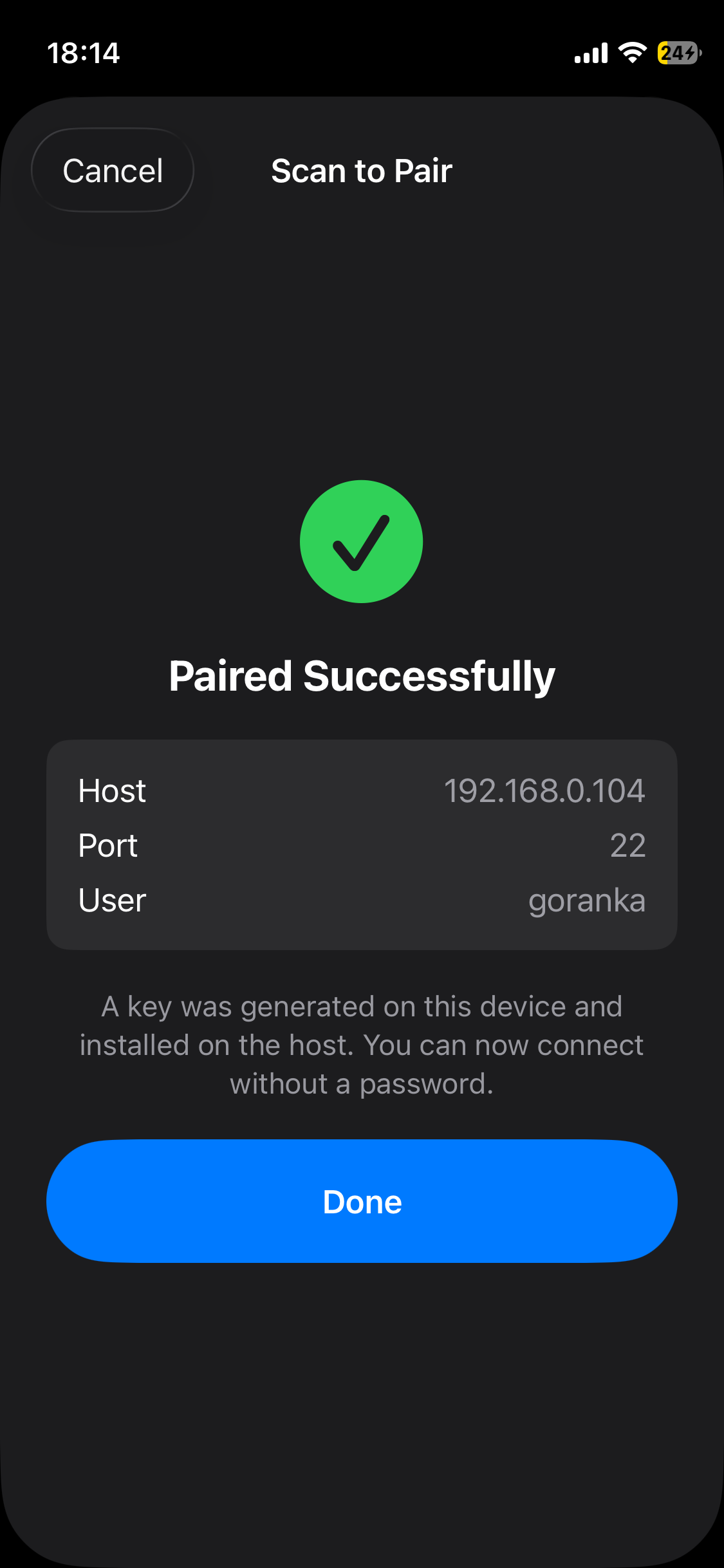
When Mightty confirms the pairing, choose Done. The host now appears in your connections.
Mightty creates the private key on your device and installs only its public key on the host. If the QR code expires, run mightty pair again.
Prefer manual SSH?
Choose Add SSH Manually and enter the same connection details you use in another SSH client:
- Name: a label for the host.
- Host, Port, and Username: the SSH address and account.
- Authentication: password, SSH key, or SSH key with a passphrase.
Leave Transport on Auto unless you know the host requires SSH. Use Test Connection before saving. If Mightty shows a host fingerprint, verify it before trusting the connection.
Open your first shell
Select the host and choose Start Shell. When the remote shell prompt appears, the connection is ready.
For work that needs to survive a disconnect, continue with Keep Your Work Running. If the shell does not open, see Fix Connection Problems.