agents in your pocket.
Mosh-powered SSH terminal for mobile. Keep remote sessions and AI coding agents within reach through network changes, sleep, and weak connections.
Mosh-powered SSH terminal for mobile. Keep remote sessions and AI coding agents within reach through network changes, sleep, and weak connections.
mobile terminal
Reconnect to the shells, tmux workspaces, and coding agents already running on your own machine as your network and location change.
Connect to Macs, Linux machines, and remote servers. Use Mosh when the network is likely to move underneath you.
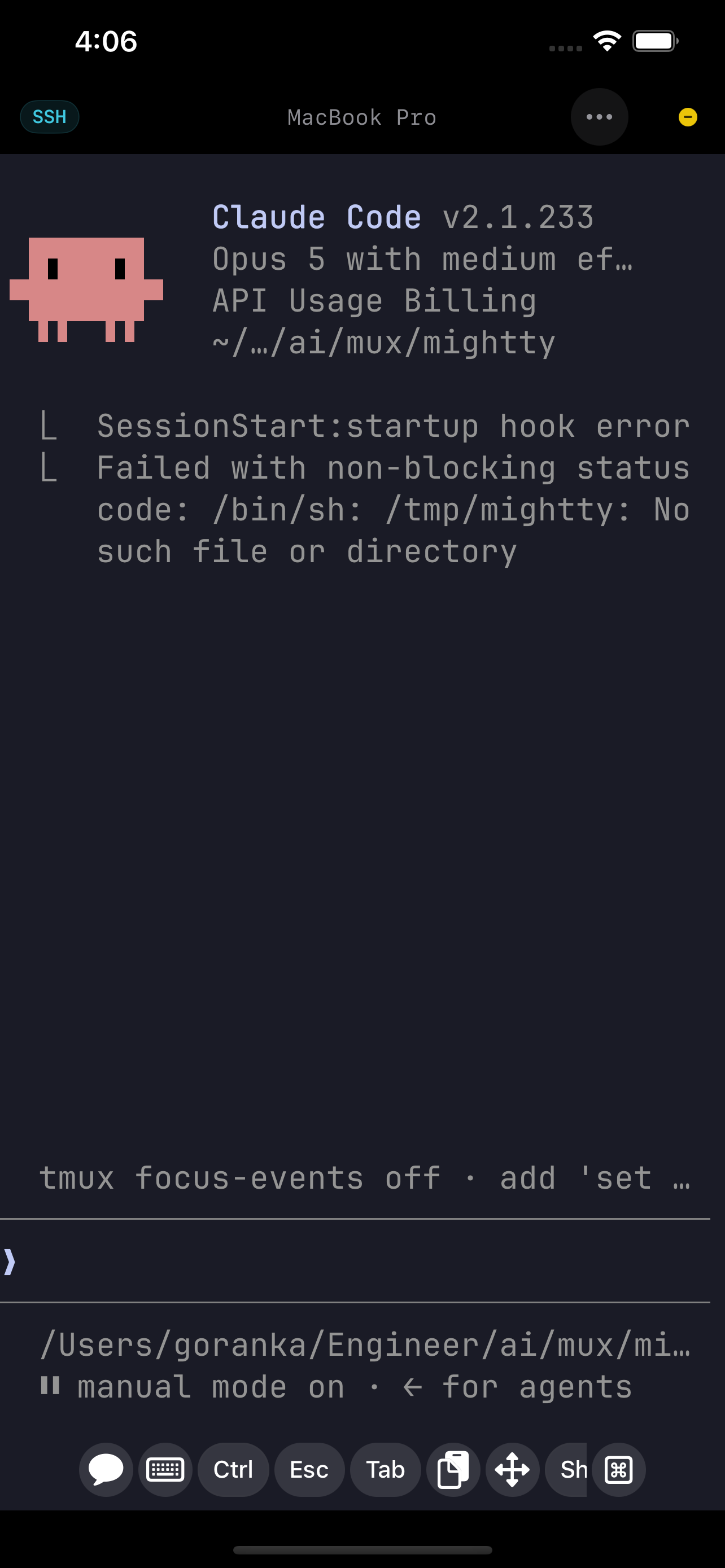
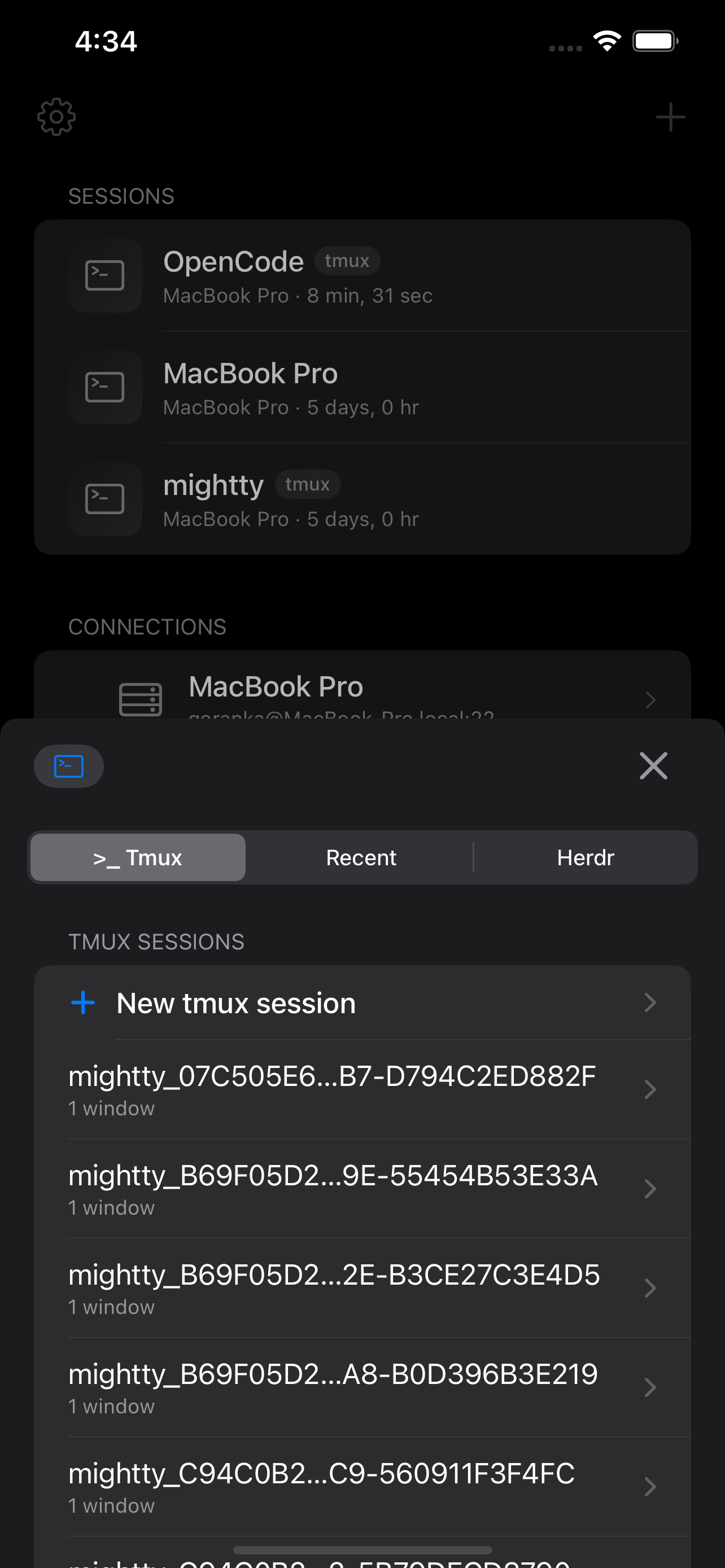
Move between Wi-Fi and cellular, lock the phone, or leave the app. The remote session remains exactly where you left it.
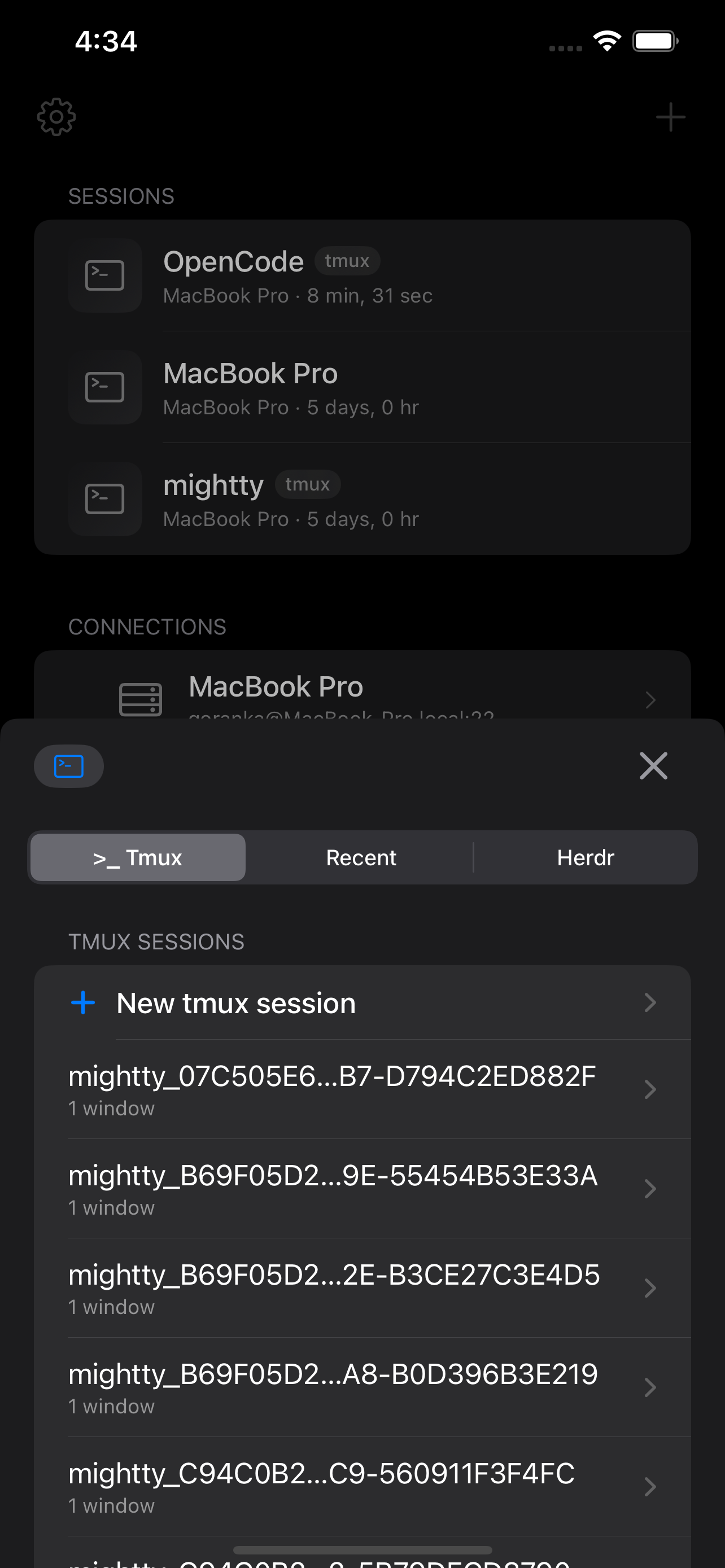
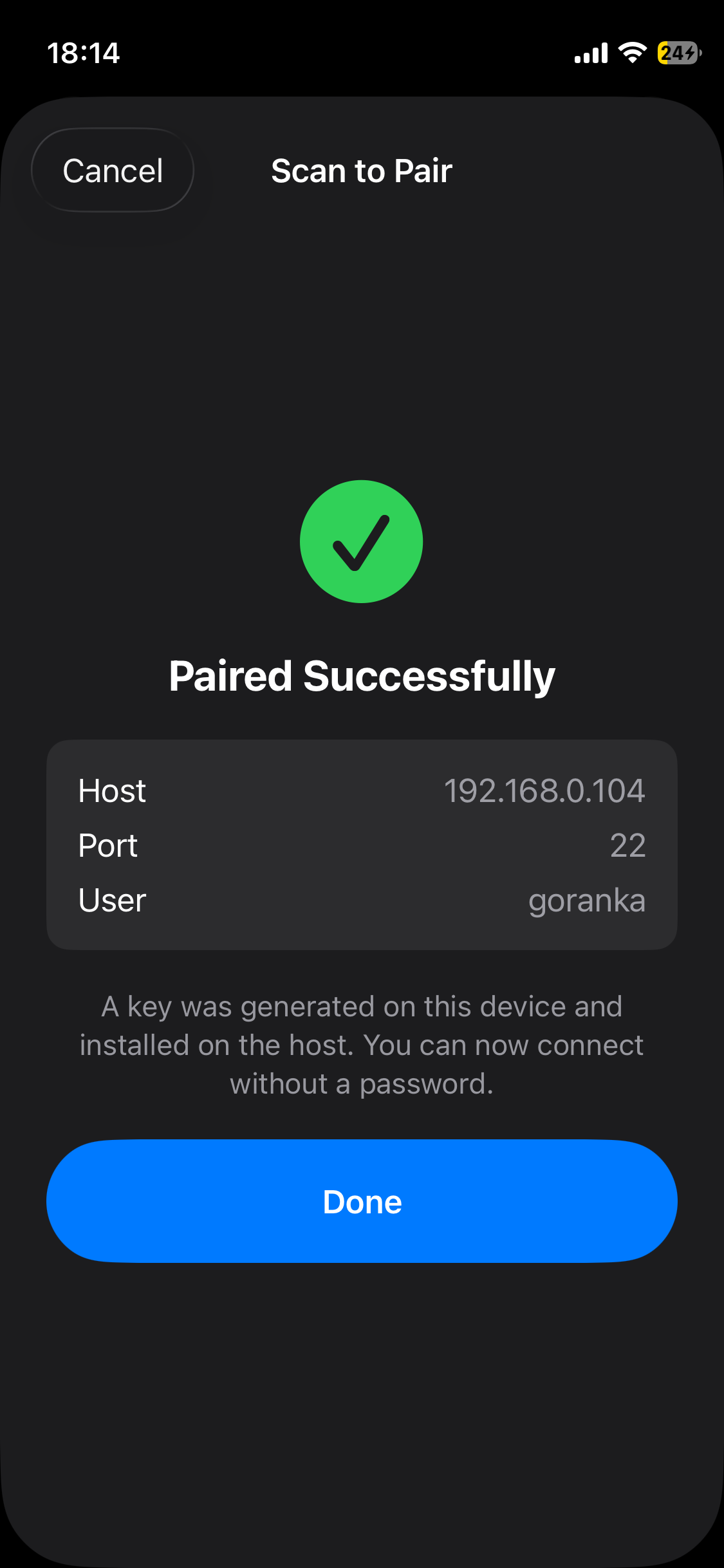
Scan a QR code to pair with a host in seconds. The one-time code registers both devices; after that, reconnects use key auth.
Agent events land in an inbox grouped by what needs you. Approve or deny from the notification itself, without opening the terminal.
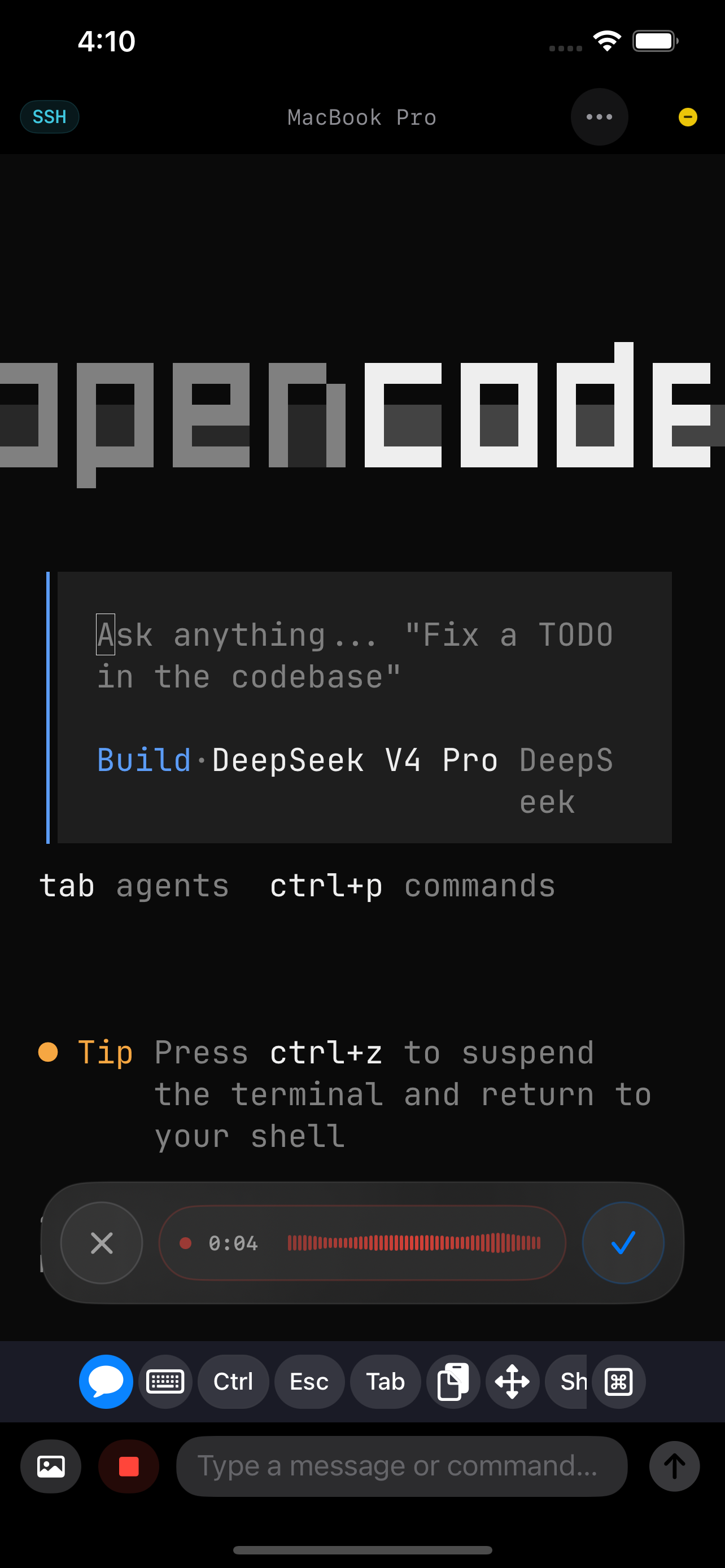
Dictate commands with on-device speech recognition, then send. Typing on a phone is slow; talking is not.
agents
Mightty watches supported agent events on your machine and brings completion alerts and approval requests to your mobile device.
Respond from a notification, check usage, then return to the same terminal session when more attention is needed.
Missing yours? Email support@mightty.app.
agent-setup
Mightty works as a normal SSH and Mosh terminal without anything extra on your host. Install the optional helper to add agent notifications, approvals, usage, and session status.
built for mobile
Direct connections, resilient sessions, agent notifications, and mobile-native controls in one terminal.
Real SSH with Mosh underneath: predictive redraw keeps typing responsive when latency rises and SSH starts to feel heavy.
Claude Code, Codex, and OpenCode hooks send approvals, completions, and usage to your mobile device.
Credentials stay in the iOS Keychain, protected by Face ID or Touch ID. Nothing is stored in a cloud.
One-hand gestures, voice input, and lock-screen approvals, built for mobile use.
faq
SSH is excellent on a stable link. Mosh is better suited to a phone that sleeps, changes networks, and regularly loses signal. Mightty gives that resilient session a mobile interface.
No. Your shell, repositories, and agents continue to run on your own Mac, Linux machine, or server. Mightty is the terminal you use to reach them.
It is a real SSH and Mosh terminal. Agent hooks and notifications make long-running AI workflows easier, but the shell remains a normal shell.
No. The terminal works with ordinary shells, servers, and tmux sessions. Agent integrations add mobile notifications and controls to that same environment.
Sessions live on your machine. Mightty reconnects and restores the terminal, and you pick up where you left off.